
Everyday work
Chat
Choose a compatible model, attach supported files, and keep the thread ready for follow-up questions.
Version 1.4 available
Native OpenRouter client for Apple platforms
Chat, create, compare, and speak with OpenRouter models in one focused native app—on iPhone, iPad, Mac, Apple Watch, and CarPlay.
Chat with OpenRouter models across your Apple devices.
Requires an OpenRouter account or API key. RouterChat and OpenRouter billing are separate.
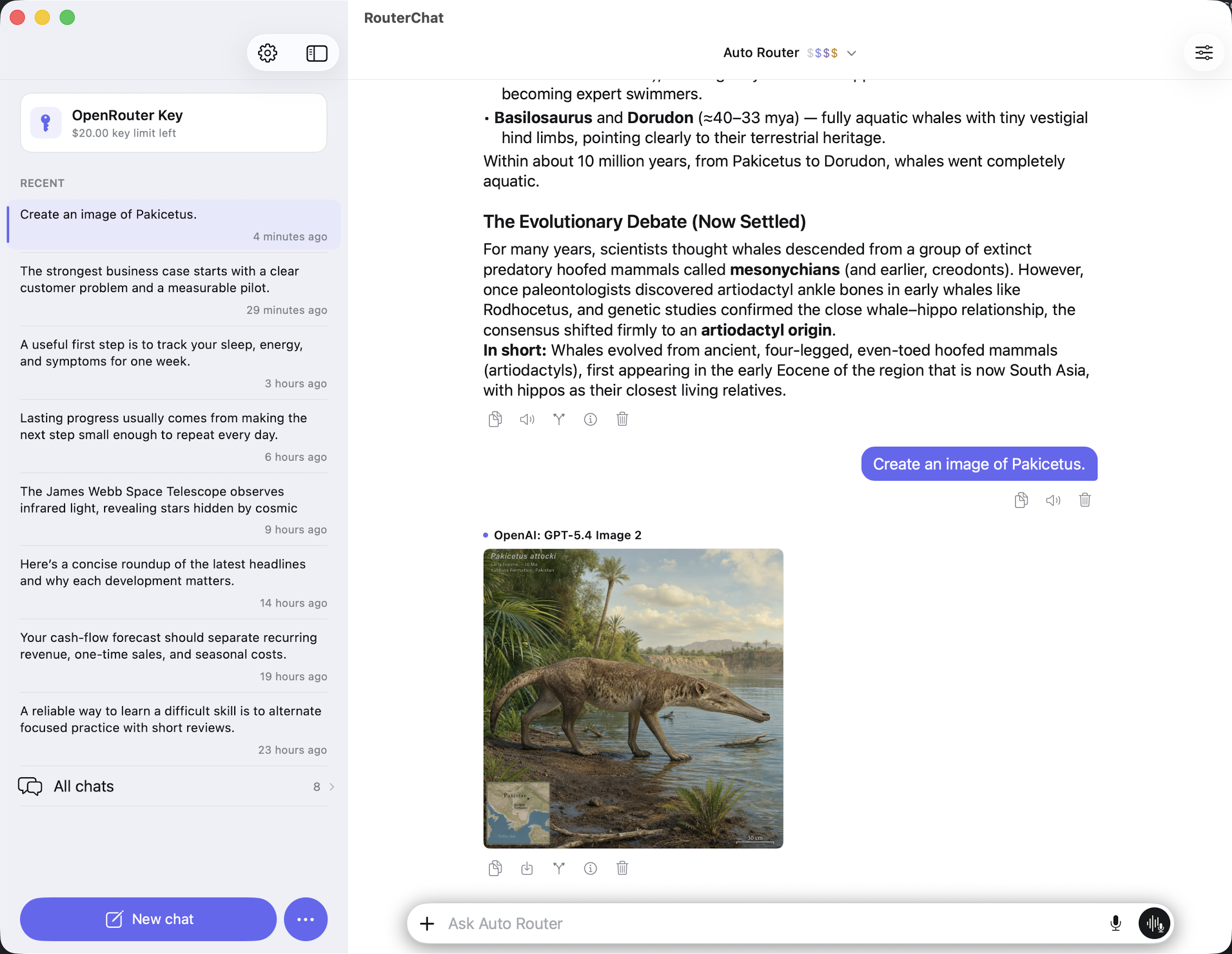
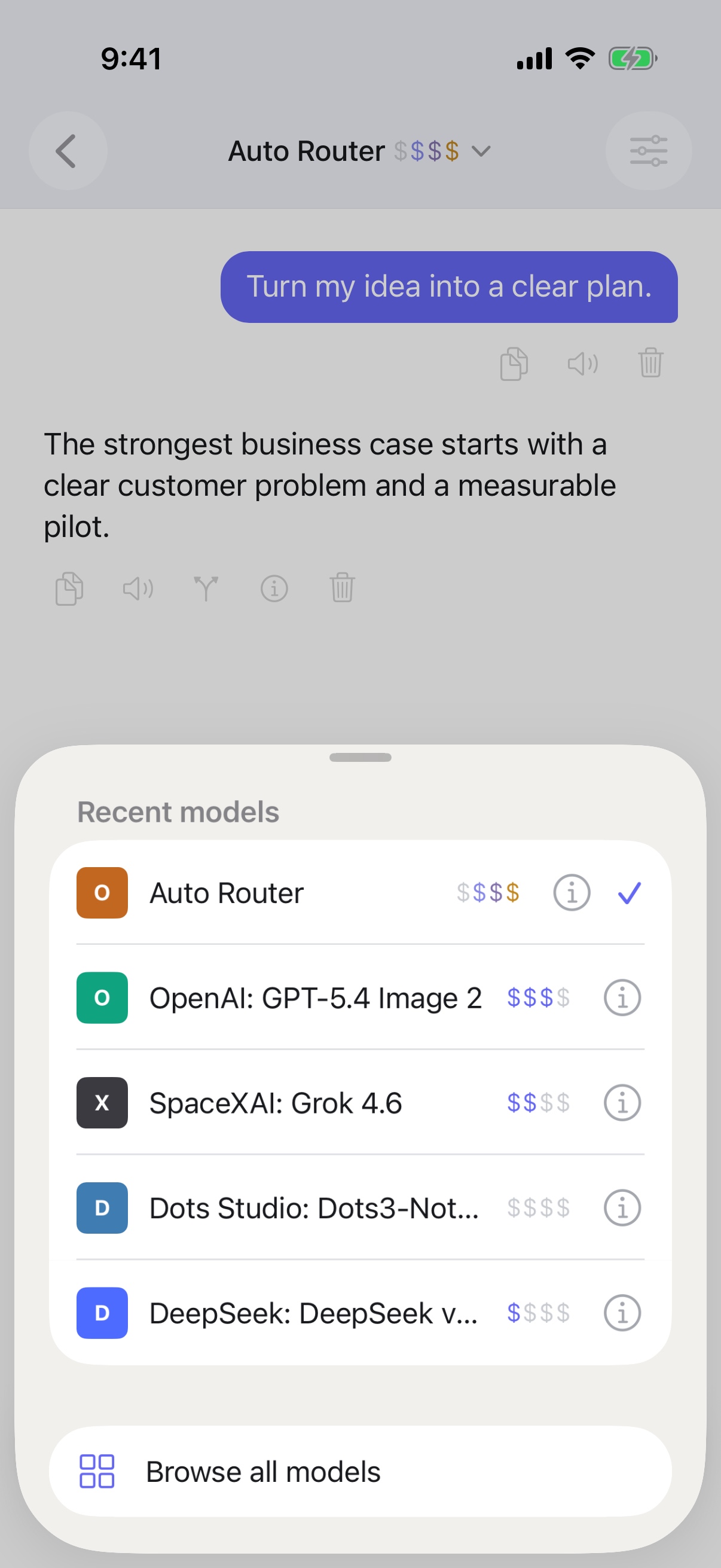

One focused app, across your Apple devices
Choose the right workflow
Move between focused chat, model comparison, and media generation in one workspace.
Everyday work
Choose a compatible model, attach supported files, and keep the thread ready for follow-up questions.
Compare and combine
Start with a built-in OpenRouter preset or create a custom configuration for the way you compare responses.
Visual creation
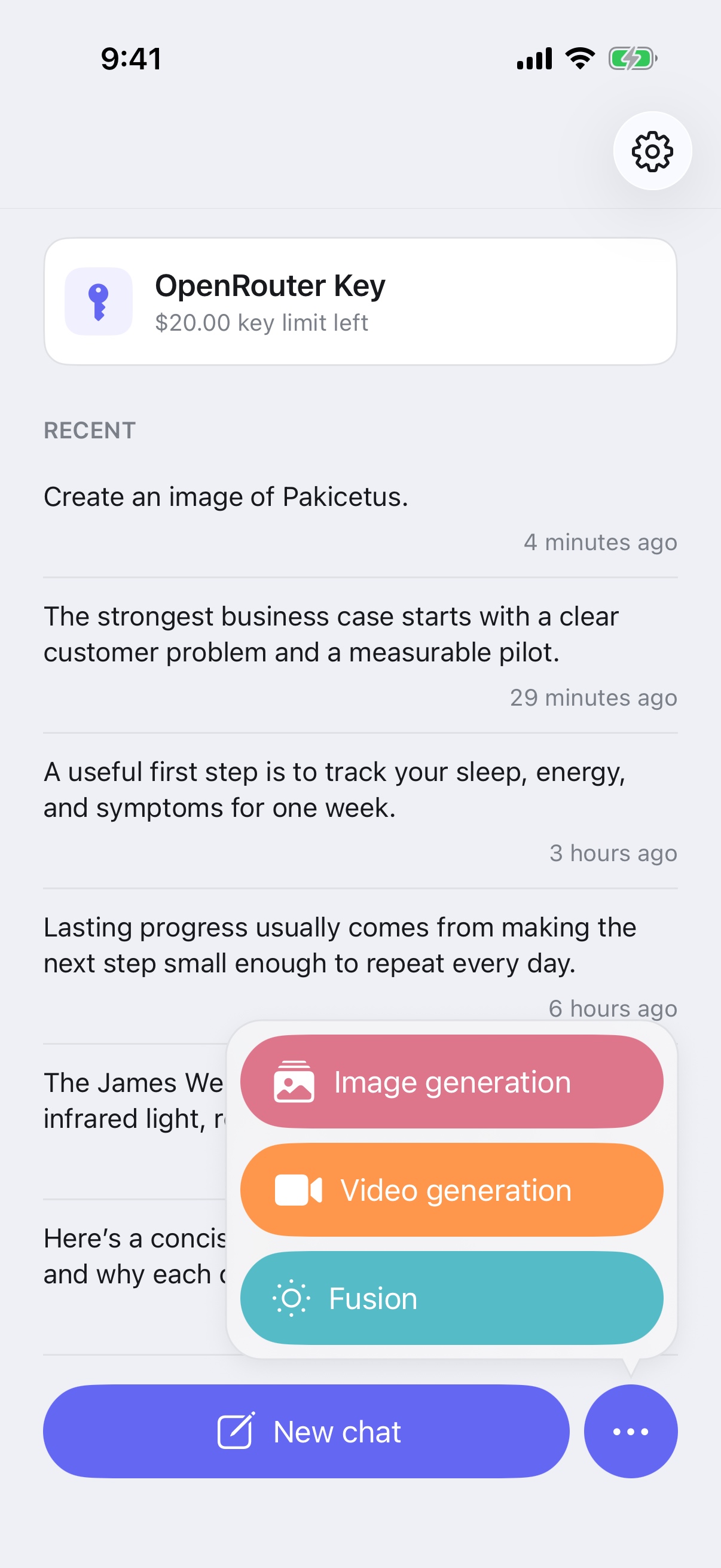
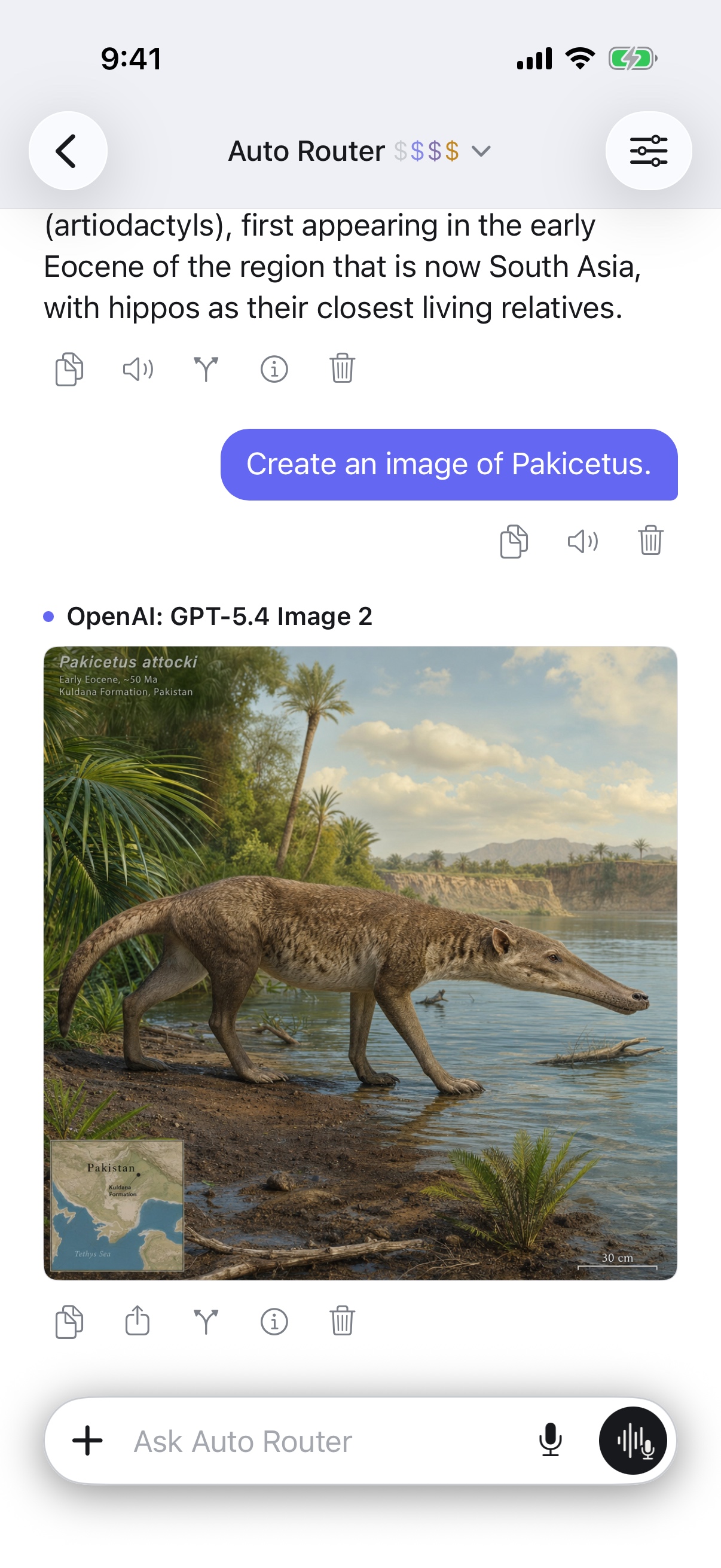
Generate images through compatible models and providers, with the controls for that workflow kept close at hand.
Motion creation
Create video with supported models and providers while keeping long-running work visible in the app.
A clear local boundary
Temporary Chats are not added to persistent history or iCloud sync. They are removed after the grace period you select.
Supported in-flight work can use a separate, encrypted device-local recovery boundary. Provider handling still follows the OpenRouter and provider settings selected for the request.
Read the complete privacy policy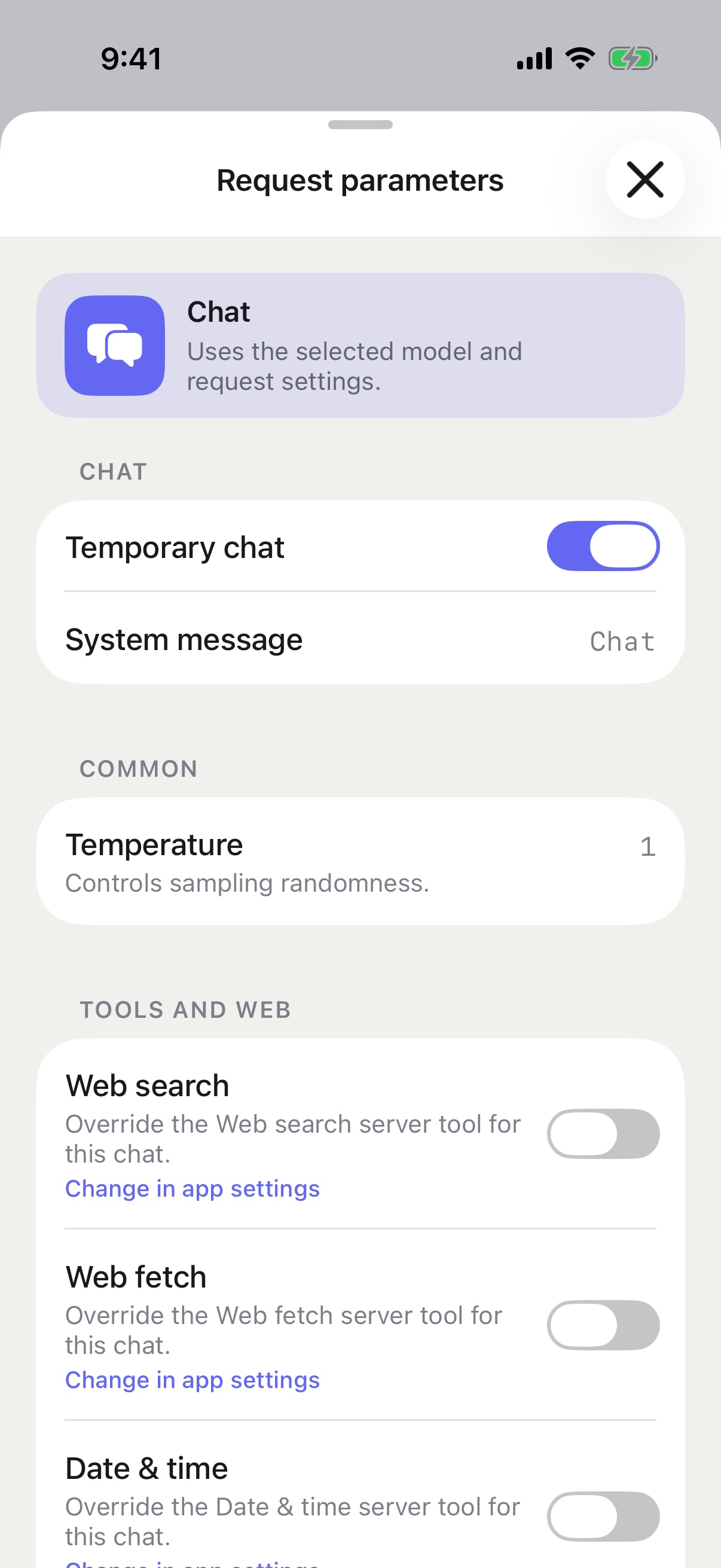
Hands-free across devices
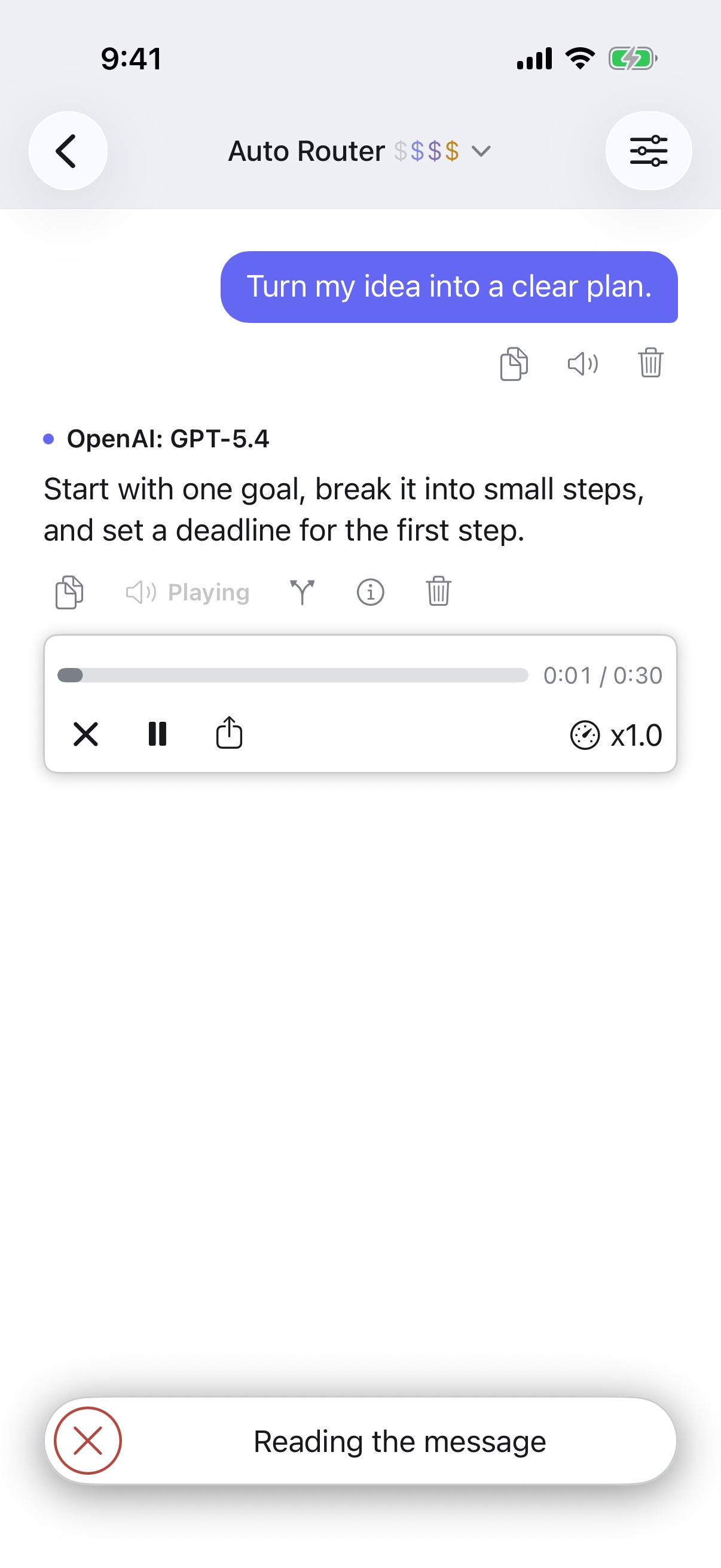
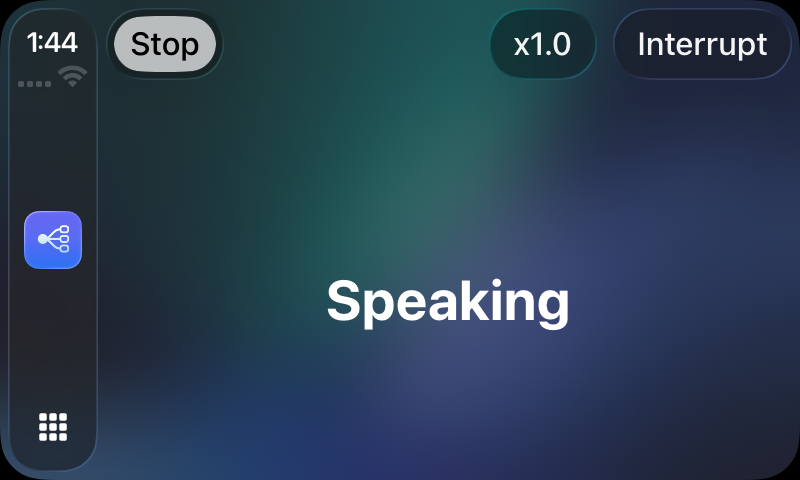
Hands-free workflows extend to iPhone and CarPlay. Availability depends on the selected model, provider, speech settings, and supported surface.
Your data, with understandable controls
Persistent chats and supported settings can sync through the iCloud account already connected to your Apple devices.
Your OpenRouter credential is stored in Keychain.
Disable iCloud sync when you want new app data to stay local to that device.
Available now
Good to know
RouterChat is the native client. OpenRouter remains the service that provides account access, model routing, and usage billing.
An OpenRouter account or API key and a supported Apple device. Model access and usage charges are managed separately by OpenRouter.
No. Model availability, pricing, attachments, tools, image or video generation, voice behavior, and provider policies depend on OpenRouter and the selected provider.
No. Apple Watch and CarPlay support are included with the iPhone distribution where the device and feature are supported.
App Store installations update through Apple. Direct Mac installations use RouterChat's signed update channel and verified download page.
Available now